
Colors
Custom Border Colors
Match borders to your branding or design requirements.
Add custom borders to PDF pages online for free with iMZi PDF. Create professional-looking documents by adding stylish borders, adjusting colors, border thickness, margins, and page-specific layouts—all without installing software.
or drop PDFs here
Enhance the appearance of your PDF documents by adding beautiful custom borders directly in your browser.
The iMZi PDF Border Tool allows you to add borders to individual pages, selected page ranges, or entire PDF documents. Whether you need academic assignment borders, professional report layouts, certificate frames, elegant document designs, or modern presentation styling, this tool gives you complete control.
Customize border color, thickness, style, page margins, and placement with live visual editing. You can even drag and reposition borders manually using your mouse on desktop or touch controls on mobile devices.
No software installation required.
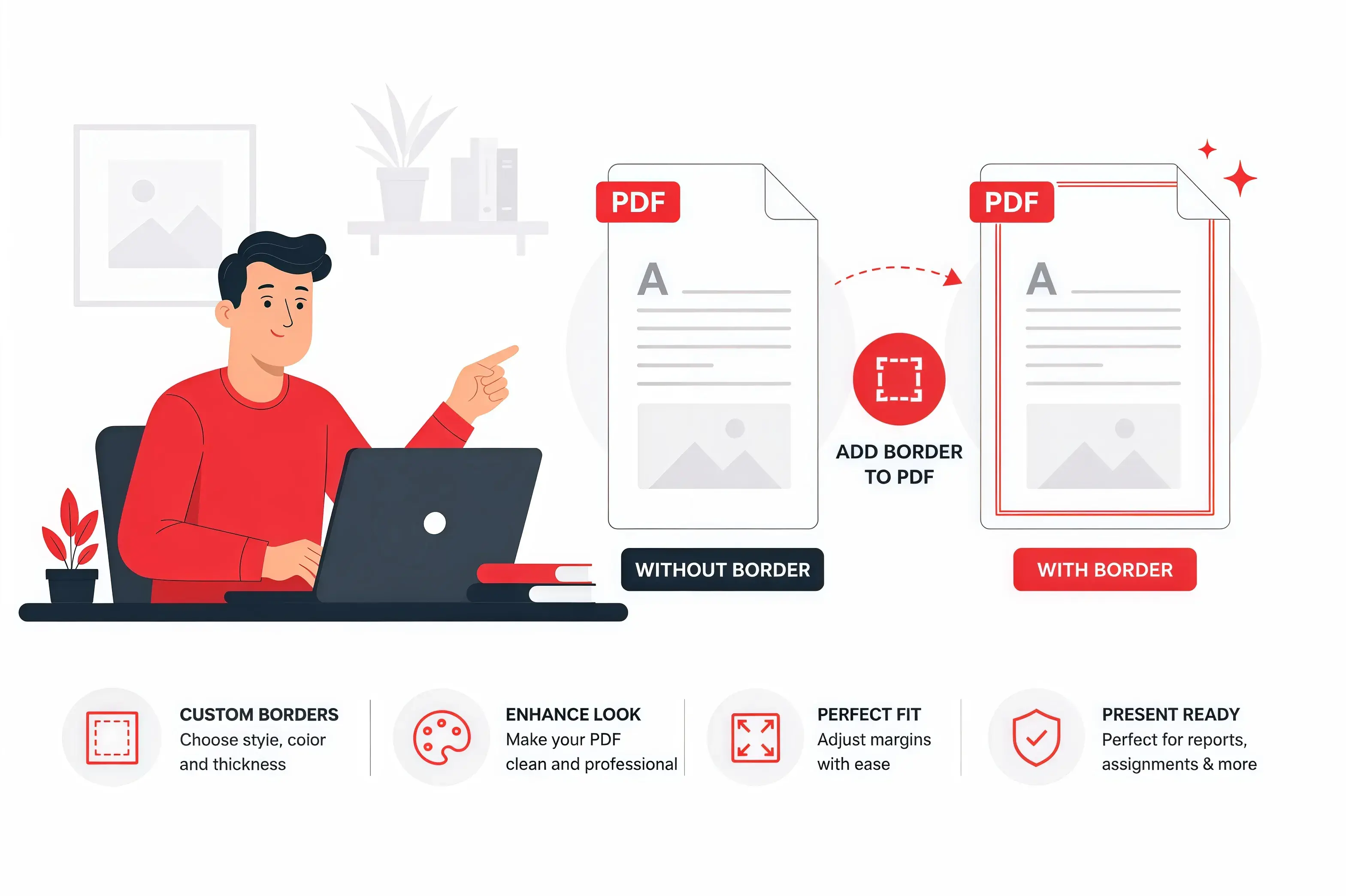
Explore each step below with a fully interactive experience.
Select the Add PDF Border tool on iMZi PDF from the PDF tools section.
Drop files or pick from your device, Google Drive, or Dropbox.
or drop files here
Specify where you want borders to appear.
Examples:
This allows you to add borders only where needed.

Choose from professionally designed border categories:
Assignment
Perfect for school projects, homework, reports, and educational documents.
Professional
Ideal for business reports, proposals, contracts, and office documents.
Certificate
Beautiful border designs suitable for certificates, awards, and achievements.
Modern
Clean and contemporary borders for presentations and digital documents.
Elegant
Decorative premium border styles for invitations, portfolios, and formal documents.
This allows you to add borders only where needed.

Personalize your PDF border with advanced controls:
Choose your preferred border style:
Choose from preset colors or use your own custom color.
Adjust border thickness in points (pt).
Control spacing between page edges and border.
Move borders manually by dragging them with:
This gives precise control over border placement.

View your border in real-time before downloading.
Make adjustments instantly until the design looks exactly how you want.

Click Download PDF button.

Once conversion is complete, click the download button to save your PDF document instantly.

Learn how to quickly add custom borders to PDF pages using iMZi PDF.
Select your PDF document from your device or cloud storage.
Choose style, color, thickness, margins, and page range.
Apply changes and download your bordered PDF instantly.

A PDF border is a decorative or professional frame added around the content area of a PDF page.
Borders can range from simple lines to decorative frames depending on the document purpose.
Adding borders makes documents look more polished, professional, and visually appealing.
"A well-designed border can instantly improve the presentation quality of reports, assignments, certificates, and business documents."
From students to professionals, here are some of the most common scenarios where adding borders to PDF documents can make a significant impact.
School Assignments
Add clean borders to projects, homework, and academic reports.
Business Reports
Create professional-looking reports and documentation.
Legal Documents
Add formal page framing to contracts and official paperwork.
Event Invitations
Create elegant invitation layouts.
Resumes & Portfolios
Make resumes and portfolios stand out professionally.
Printable Documents
Enhance print-ready PDFs with custom border styling.
Certificates
Design award certificates and achievement certificates with decorative borders.
Training Materials
Improve presentation quality of training and educational documents.
The iMZi PDF Border Tool provides complete border control.
Match borders to your branding or design requirements.
Pin-point brand accuracy. Drop in any HEX value and match your identity perfectly.
Apply borders to a single page, a range like 1–5, custom picks like 2,4,6 or every page or entire pdf.
Control border thickness from thin professional lines to bold decorative frames.
Suitable for:
Create perfect spacing around document content.
Set individual margins for:
Easily reposition borders by dragging directly on the PDF preview.
Supported on:
Five purpose-built collections—each tuned for the documents you actually produce.
Crafted for school assignments, college projects, student reports and educational work.
Polished frames built for corporate reports, proposals and boardroom-ready documents.
Distinguished designs for achievement, awards, completion and recognition certificates.
Contemporary aesthetics for digital portfolios, creative briefs and startup decks.
Refined, decorative borders for invitations, premium reports and formal layouts.
See changes instantly before downloading.
Create attractive assignments and project reports.
Design educational materials and certificates.
Improve document presentation and branding.
Create employee certificates and award documents.
Add stylish borders to portfolios and creative work.
Design invitations and event documents.
Adding PDF borders is useful when:
Use thinner borders for business reports.
Use decorative borders for certificates.
Maintain consistent margins.
Match border colors with brand colors.
Avoid overly thick borders on text-heavy documents.
Preview before downloading.
Apply borders only to relevant pages when needed.
Find answers to common questions about this tool.