
Convert Files to ZIP Online Free
Convert files to ZIP online for free with iMZi PDF. Create ZIP files instantly, compress multiple files into a single ZIP folder, organize documents, images, videos, and other file types, and download your ZIP archive in seconds. Fast, secure, and no registration required.
or drop PDF files here
Create ZIP Files Online
Need a simple way to create a ZIP file online without installing WinRAR, WinZip, 7-Zip, or other compression software?
The iMZi PDF ZIP File Tool allows you to convert files to ZIP format directly in your browser. Easily upload multiple files, combine them into a ZIP archive, and download a compressed ZIP folder instantly.
Whether you're sharing documents, sending project files, compressing images, packaging videos, organizing folders, or reducing upload complexity, ZIP files make file management easier.
Our online ZIP creator supports almost every file format and works on Windows, Mac, Linux, Android, and iPhone devices.
Simply upload your files, generate your ZIP archive, and download it instantly.
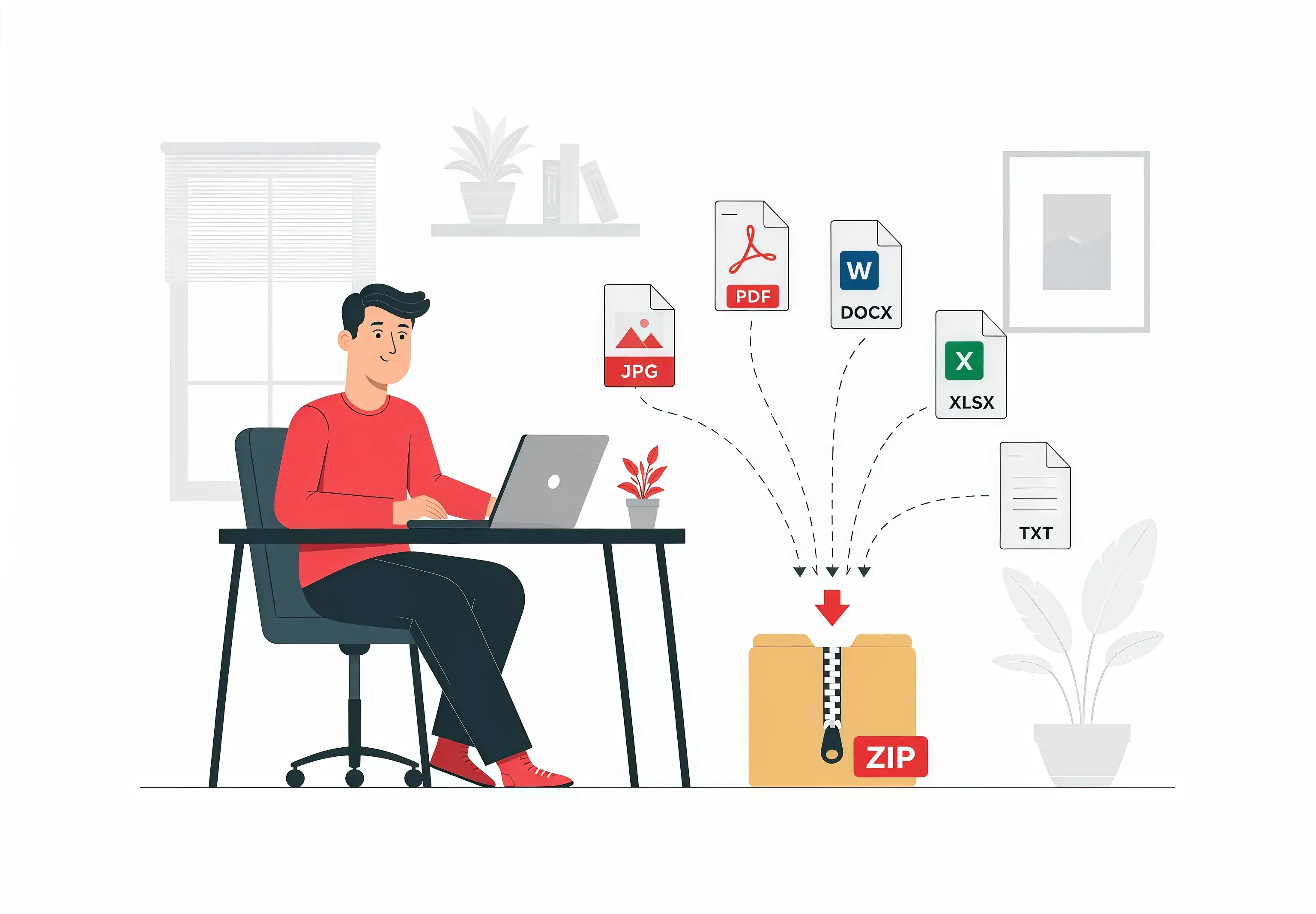
Step-by-Step Guide to Create a ZIP File Online
Explore each step below with a fully interactive experience.
Upload Your Files
Upload one or multiple files from your device.
or drop files here
Upload files directly from:
Supported formats:
Combine Multiple Files
The tool automatically prepares your selected files for ZIP compression.
You can:
- ZIP multiple files together
- Create a ZIP folder from documents
- Compress images into ZIP
- Create ZIP archives for videos
- Bundle project files
- Organize mixed file types
This makes sharing large groups of files much easier.

Generate ZIP File
Click the Generate button.
The tool will:
- Create a ZIP archive
- Compress supported files
- Package all uploaded files
- Organize files into a downloadable ZIP folder
The process takes only a few seconds.

Download Your ZIP Archive
Once processing finishes, download your newly created ZIP file instantly.
Your ZIP archive is ready for:
- Email attachments
- Cloud storage
- File sharing
- Backups
- Website uploads
- Team collaboration
Available Actions
- Download the file
- Save to Google Drive
- Save to Dropbox
- Share the document with others
Extra Features for Logged-in Users
- Send the document to your email
- Save the document to your account for future access

Watch: How to Create a ZIP File Online
Learn how to create ZIP files online using iMZi PDF.
1. Upload Files
Select files from your computer, Google Drive, Dropbox, or drag and drop them.
2. Generate ZIP
Click Generate ZIP and allow the tool to compress and package your files.
3. Download ZIP File
Download your compressed ZIP archive instantly.

Why Create ZIP Files?
ZIP files are one of the most widely used file formats for organizing and sharing multiple files.
"ZIP files make file sharing faster, cleaner, and easier by combining multiple files into a single downloadable archive."
Powerful ZIP File Features
Unlike basic ZIP tools, iMZi PDF provides a fast and easy ZIP creation experience.
Multiple File Support
Upload many files at once.
All Common File Formats Supported
ZIP documents, images, videos, audio files, and more.
Browser-Based ZIP Creator
No installation required.
Fast ZIP Generation
Create ZIP archives within seconds.
Secure Processing
Files are encrypted during processing.
Automatic File Deletion
Uploaded files are automatically deleted after processing.
Mobile Friendly
Create ZIP files from smartphones and tablets.
Cross-Platform Support
Works on Windows, macOS, Linux, Android, iPhone, iPad.
Popular Uses for ZIP Files
Business Documents
Combine reports, invoices, and presentations.
Website Files
Package website assets and source files.
School Assignments
Submit multiple files in one ZIP archive.
Graphic Design Projects
Compress images and design resources.
Software Development
Package source code and project files.
Video Projects
Organize video assets and exports.
Photography Collections
ZIP hundreds of photos into one archive.
Backup Archives
Create downloadable backup packages.
Team Collaboration
Share project files efficiently.
Why Use iMZi PDF ZIP File Tool?
Easy ZIP File Creation
Generate ZIP archives in a few clicks.
Convert Files to ZIP for Different Users
Students
Bundle assignments and study materials.
Teachers
Share educational resources efficiently.
Designers
Package project assets.
Developers
Create ZIP archives for software projects.
Businesses
Organize client deliverables.
Marketers
Package campaign files and media assets.
Photographers
Compress large photo collections.
Content Creators
Bundle videos, graphics, and documents.
Our tool is designed for various professionals and individuals who need to manage their files efficiently.
Tips for Better Results
Upload related files together.
Use meaningful file names before creating ZIP archives.
Remove unnecessary files before compression.
Group project files into one ZIP package.
Verify all required files are included.
Download and test the ZIP archive before sharing.
Keep ZIP file sizes manageable for email attachments.
Frequently Asked Questions
Find answers to common questions about this tool.