
Merge PDF files
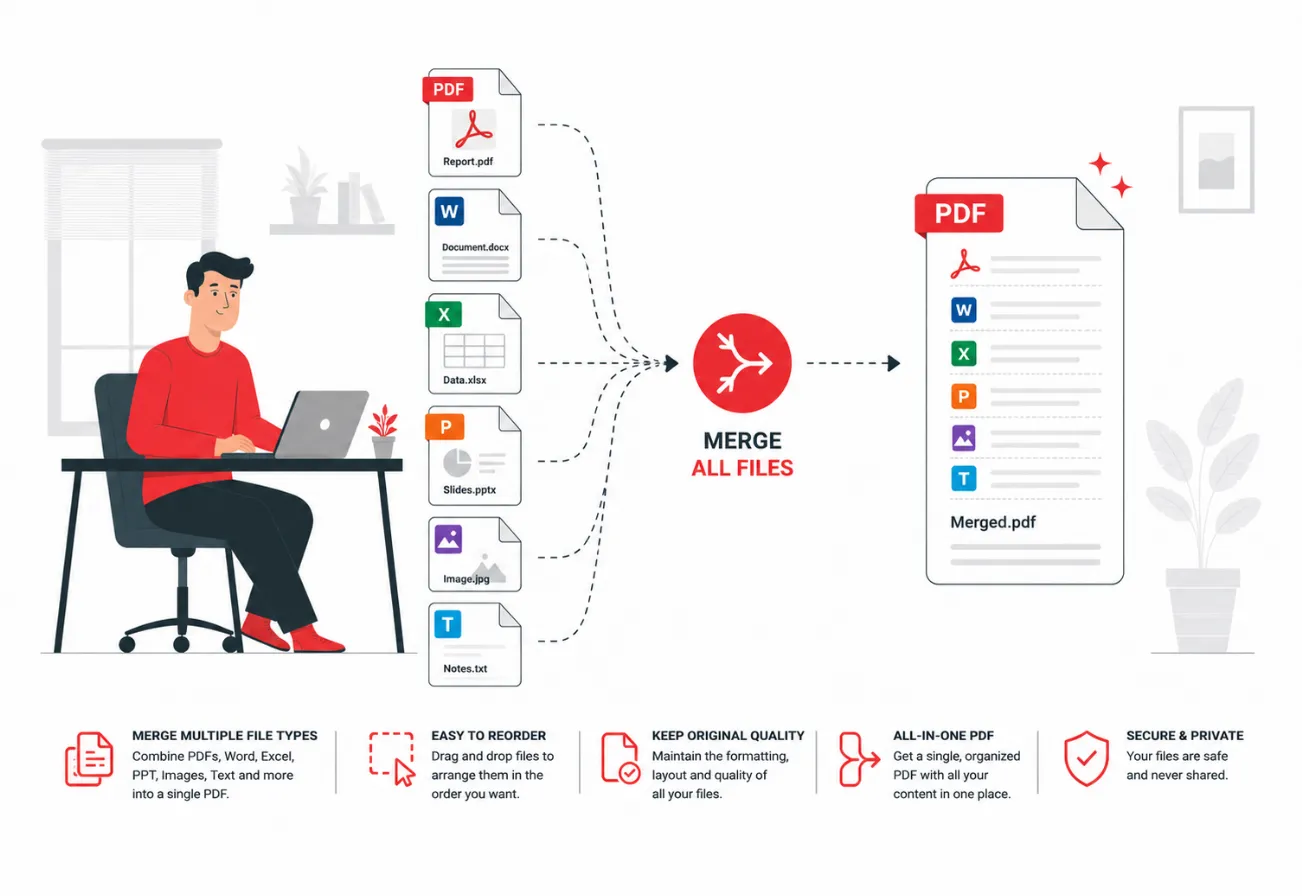
Combine files in the order you want with the easiest file merger available. Select your files-PDF, images, Word, Excel, or PowerPoint-arrange them in your desired order, and merge them into one smooth PDF file.
or drop PDFs here
How to Merge PDF Files Online
Merge multiple PDF files, images, and documents into one organized PDF in seconds with iMZi PDF.
Our online PDF merger helps you combine files directly from your device, Google Drive, or Dropbox without installing any software. You can rearrange pages, preview documents, rotate pages, delete unwanted pages, and merge everything into a single secure PDF file.
Whether you are combining invoices, scanned documents, assignments, presentations, contracts, or images, iMZi PDF makes the process fast, simple, and mobile-friendly.
Step-by-Step Guide to Merge PDF Files
Explore each step below with a fully interactive experience.
Open the Merge PDF Tool
Select the Merge PDF tool on iMZi PDF from the PDF tools section.
Upload Your Files
Drop files or pick from your device, Google Drive, or Dropbox.
or drop files here
Upload files directly from:
Supported formats:
Arrange Files
Drag and drop files to organize them.
Edit Pages

Merge PDF
Click Merge PDF button.

Download PDF
Once conversion is complete, click the download button to save your PDF document instantly.
Available Actions
- Download the file
- Save to Google Drive
- Save to Dropbox
- Share the document with others
Extra Features for Logged-in Users
- Send the document to your email
- Save the document to your account for future access

Watch: How to Merge PDF Files Online
1. Upload Files
Select the Merge PDF tool on iMZi PDF and choose files from your device, Google Drive, or Dropbox.
2. Merge PDF Files
Check uploaded files, remove or add PDFs if needed, then click the Merge PDF button to combine them.
3. Download the combined PDF
Click the Download File button to save the merged PDF document instantly on your device.

Why Use iMZi PDF Merge PDF Tool?
Powerful PDF merging experience with secure, fast, and mobile-friendly tools.
Merge Multiple Formats
Combine PDFs, images, Word files, Excel sheets, and presentations into one PDF.
Frequently Asked Questions
Find answers to common questions about this tool.